

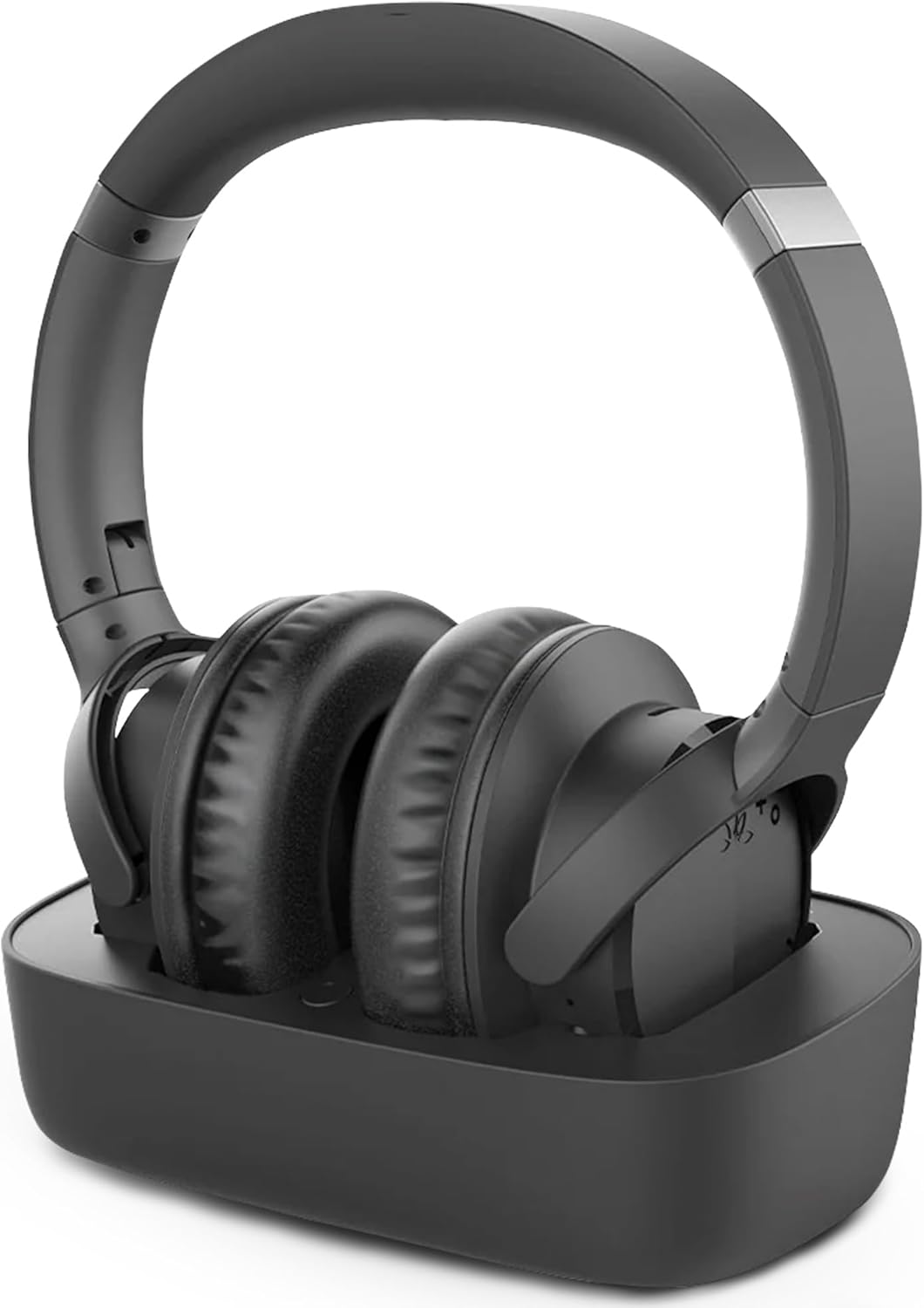




Avantree Ensemble – Wireless Headphones for TV Watching for Seniors, Easy Setup & Charging Dock, 35H Play Time, Comfortable, Works with Optical, AUX & Bluetooth TVs
Original price was: $122.99.$109.99Current price is: $109.99.
Price: $122.99 - $109.99
(as of Jan 28, 2026 08:23:54 UTC – Details)

Product description
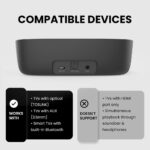
Compatibility & Uses
Works with All TVs
Non-Bluetooth TVs: Use the included transmitter via OPT or AUX ports.
Smart TVs (Samsung, LG, etc.): Connect headphones directly via Bluetooth.
Use Cases: Watching TV with private sound—ideal for seniors, late-night viewers, and the hard of hearing.
Frequently Asked Question
Q: Does this work with my Smart TV?
A: Yes, if your Smart TV supports Bluetooth audio output (like many 2024 Samsung, LG, Vizio models), you can pair the headphones directly. For older TVs or TVs without Bluetooth, use the included transmitter and audio cables.
Q: Can others still hear the TV while I use the headphones?
A: It depends on your TV’s settings. Many TVs let you play audio through both the TV speaker and headphones simultaneously. You can adjust this in your TV’s audio settings.
Q: Can I use this if I already have a soundbar connected to my TV?
A: No, the Ensemble does not support using a soundbar and headphones at the same time. If you need this feature, we recommend the Avantree Opera Plus, which has optical audio pass-through.
Q: Are these headphones suitable for people with hearing loss?
A: Absolutely. The Ensemble delivers rich, balanced sound powered by aptX Adaptive. It’s ideal for the hard of hearing who want to enjoy dialogue without turning the TV volume up loud.
Q: What if I’m not tech-savvy—are they hard to set up?
A: Not at all! For most TVs, just plug in the transmitter and turn on the headphones, no pairing required. For Bluetooth TVs, you simply switch the transmitter off and connect wirelessly.

Connect via Base (Recommended)  Connect Cables
Plug Optical cable into TV’s Optical Out & transmitter’s OPTICAL.
 Plug Cable into Power
Plug USB-C cable into power near TV.
 Adjust TV Sound Settings
Go to: Settings > Sound > Sound Output, select Optical.Set audio format to PCM to avoid no sound.  Power on & Connect
Slide both to ON. Transmitter: blinking blue. Headphones: blinking red & blue. Wait 5s. Once connected, both LEDs stay blue.
Connect via TV Bluetooth  Keep the transmitter OFF
Ensure the transmitter’s power switch is in the “OFF” position.
 Enter TV Bluetooth Settings
Go to: Settings > Sound > Sound Output, select Bluetooth Speaker List.
 Put Headphones into Pairing
Slide to ON.
LED blinks red & blue → ready to pair.
If not, press play & pause button until blinking red & blue.
 Select “Avantree AS50”
Select “Avantree AS50” from TV’s Bluetooth Speaker List.
Wait for “Connected”.
SPECIFICATIONS
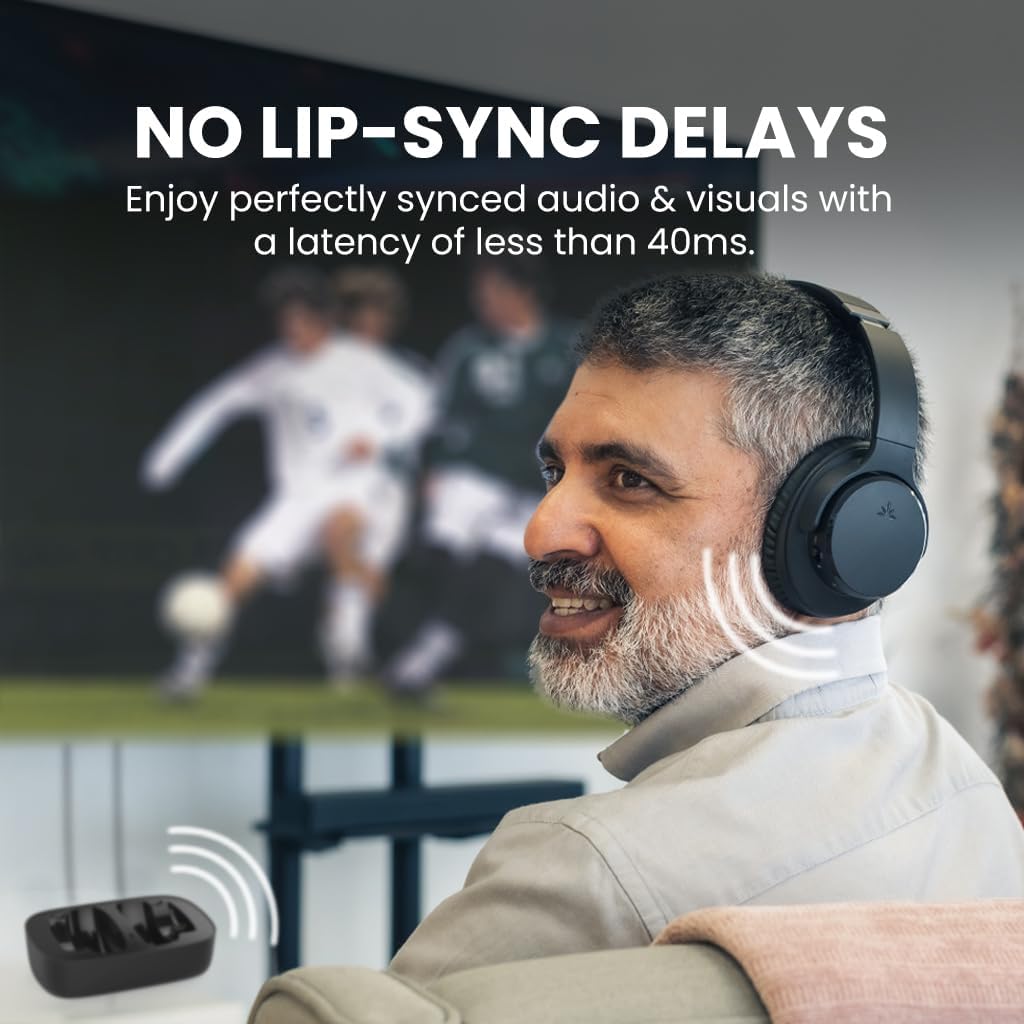
Max Volume (AUX / OPT / BT) 110.7dB / 110.7dB / 107.3dB Playtime 35 hours Supported Audio Codecs aptX Adaptive, aptX, SBC Audio Latency ~40ms Charging Method Charging dock or USB-C cable Charging Requirements 5V ⎓ 2A, USB-C port Charging Time Approx. 2 hours Range Up to 100 ft / 30m (Class 1) Headphones Bluetooth Version Bluetooth 5.2 Transmitter Bluetooth Version Bluetooth 5.2 Bluetooth Profiles HSP, HFP, A2DP, AVRCP Driver Size 40mm Headphone Impedance 32Ω Frequency Response 20Hz – 20KHz Headphones Net Weight 234g Transmitter Net Weight 135g
COMPARISON TABLE
Add to Cart
Add to Cart
Add to Cart
Add to Cart
Customer Reviews
4.3 out of 5 stars 14,602
4.3 out of 5 stars 9,669
4.2 out of 5 stars 5,159
4.3 out of 5 stars 53
Price
$109.99$109.99
$129.99$129.99
$149.99$149.99
$249.99$249.99
Audio Input (TV)
OPT, AUX, Bluetooth
OPT, AUX, Bluetooth
HDMI, OPT, AUX, Bluetooth
HDMI, OPT, AUX, Bluetooth
Playtime
35hr
50hr
20hr
60hr
3D Surround Sound
–
–
–
✔
Soundbar Passthrough
–
✔ (OPT & AUX)
✔ (OPT & AUX)
✔ (HDMI & OPT & AUX)
Battery (Lifespan Impact)
Rechargeable Only
Rechargeable Only
Rechargeable Only
Rechargeable + Replaceable
Works with 2+ Headphones
✔ – 2 headphones
✔ – 2 headphones
✔ – 2 headphones
✔-Up to 100 Headphones
【FOR TV Watching & Private Listening】 Designed for watching TV with comfortable wireless headphones at your own volume without disturbing others. Ideal for seniors, shared bedrooms, or anyone who struggles to hear TV dialogue clearly while keeping the room quiet.
【TV Compatibility & Soundbar Note】 Designed to work with your TV using the included transmitter via Optical, AUX, or RCA connections (please check your TV has one of these outputs before purchase). This system does not support audio passthrough to a TV soundbar.
【Clear Dialogue for TV Listening】 This TV headphones set delivers clear TV dialogue when connected via the included transmitter using Optical or AUX cable. It helps improve speech clarity for everyday TV watching, but is not intended for users with severe hearing loss.
【Easy Dock Charging】Just place the headphones on the charging dock after use. Always ready for the next viewing session, making it especially suitable for seniors and non-technical users.
【Setup Note – TV Audio Settings Required】TV audio output must be set correctly to use this system. When using Optical, select Sound Output: Optical and Audio Format: PCM. Incorrect TV settings may result in no sound.


Reviews
There are no reviews yet.